Professionisti e lavoratori autonomi in Italia che emettono fattura da soli, con o senza Cassa, e vogliono sapere quanto arriva davvero sul conto.
How it works
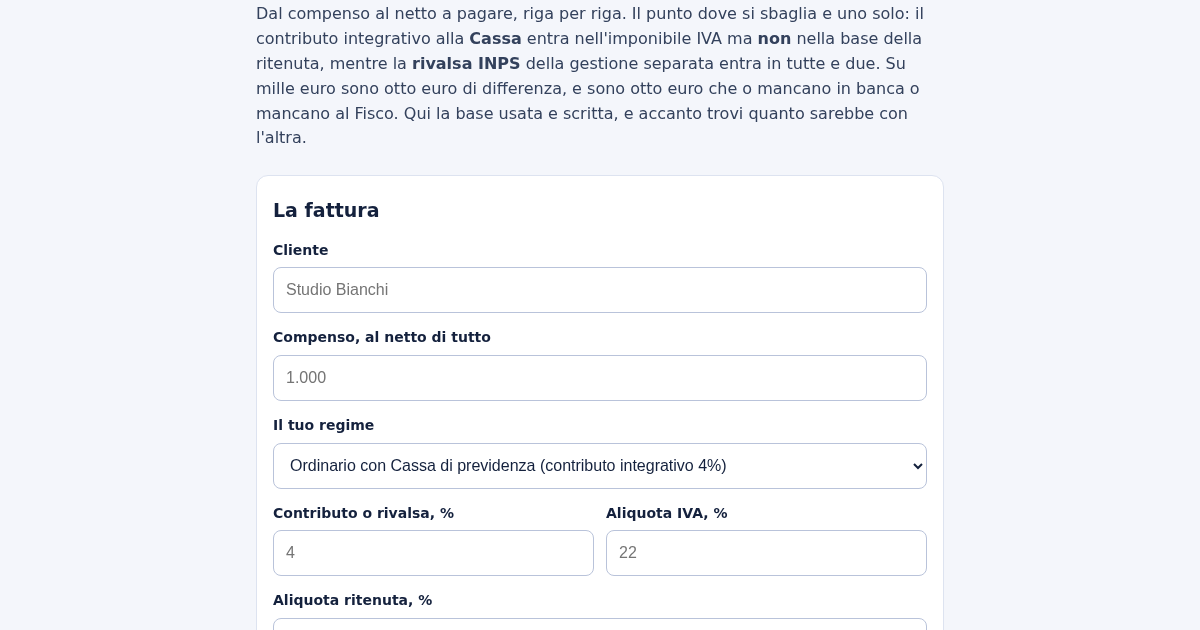
- Scrivi il nome del cliente e il compenso concordato.
- Scegli il regime: Cassa, rivalsa INPS gestione separata, oppure forfettario.
- Controlla le aliquote e cambiale se le tue sono diverse.
- Leggi il netto a pagare e, sotto, il dettaglio riga per riga.
What you gain
- Calcola la ritenuta d'acconto sulla base giusta invece che sul totale, e mostra subito quanti euro cambierebbero se la base fosse sbagliata — così il netto a pagare in fattura è quello vero.
Screenshot
Technical details
How to set up & use
- Buy the license — your key (lic_...) appears on the order page and in your email.
- Sign in at app.synoriaai.com with your license key.
- No installation — the product runs in your browser, on your own isolated instance.
- 1. Inserisci il nome del cliente nel campo 'Cliente'.
- 2. Digita l'importo del compenso nel campo 'Compenso' (es. 1.000 o 1000).
- 3. Seleziona il regime fiscale dal menu a tendina (es. 'cassa').
- 4. Compila i campi per contributo, IVA e ritenuta con le percentuali corrette (modificabili se necessario).
- 5. Clicca su 'Calcola' per vedere il totale e il netto a pagare.
Frequently asked questions
I miei dati vengono salvati o inviati a qualche server?
No, tutto il calcolo avviene localmente nel tuo browser. Nessun dato viene memorizzato o trasmesso.
Cosa succede se sbaglio a inserire un importo con la virgola?
Il tool accetta sia la virgola che il punto come separatore decimale, quindi non devi preoccuparti di errori di battitura.
Il tool applica automaticamente la marca da bollo?
Sì, la marca da bollo da 2 euro viene aggiunta solo quando serve, cioè per fatture senza IVA di importo superiore a 77,47 euro.
Related products
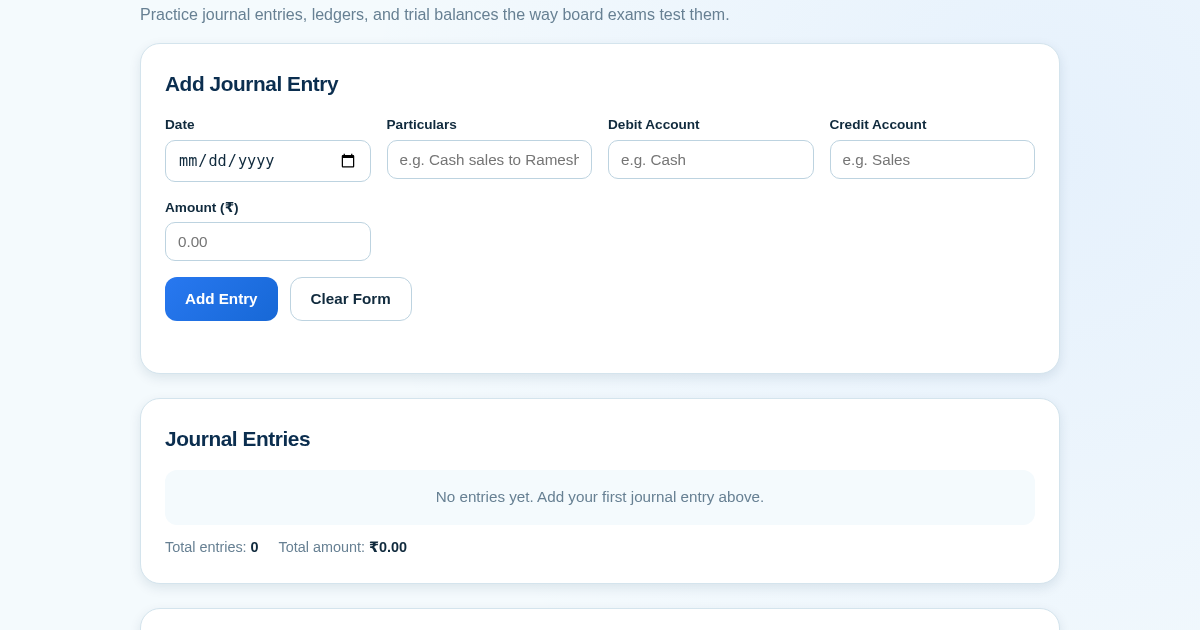
Ledger & Trial Balance Practice Tool
Commerce students in Class 10-12 need to practice journal entries and see how they flow into ledgers, trial balances, and balance sheets for board exams. This tool lets them enter transactions and instantly see the…
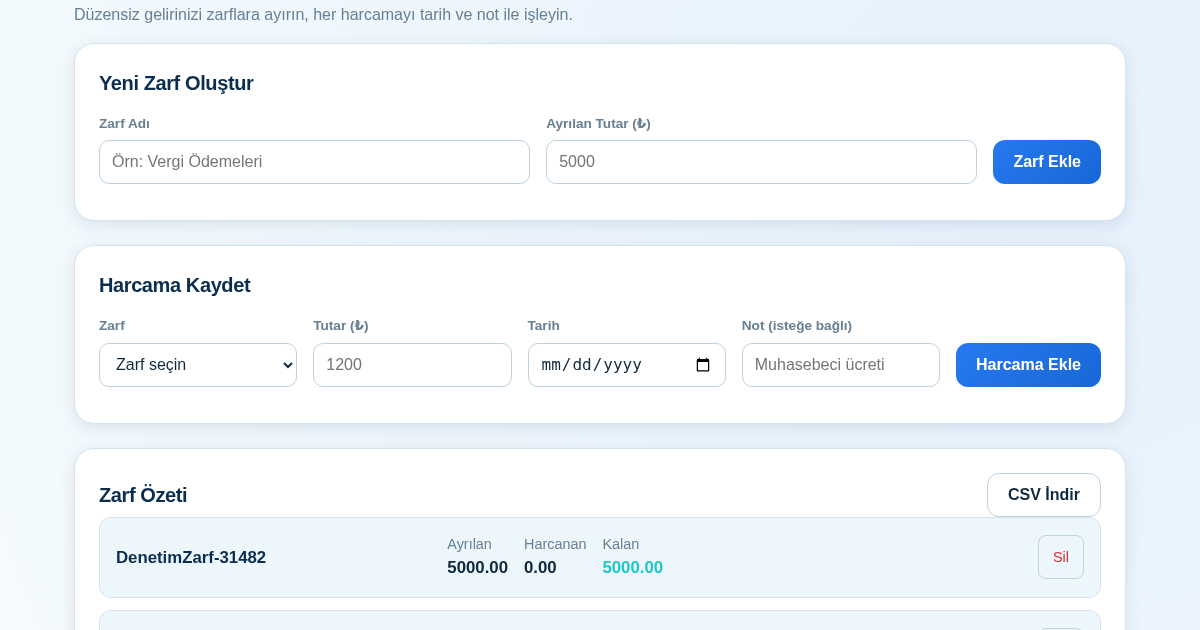
KASA - Serbest Çalışanlar İçin Zarf Bütçesi
Serbest çalışanlar düzensiz gelirlerini vergi, kira ve yaşam giderleri gibi zarflara bölerek bütçelerini düzenli tutabilir. Her harcamayı tarih ve not ile ilgili zarfa işleyerek ne kadar ayırdığını ve ne kadar…
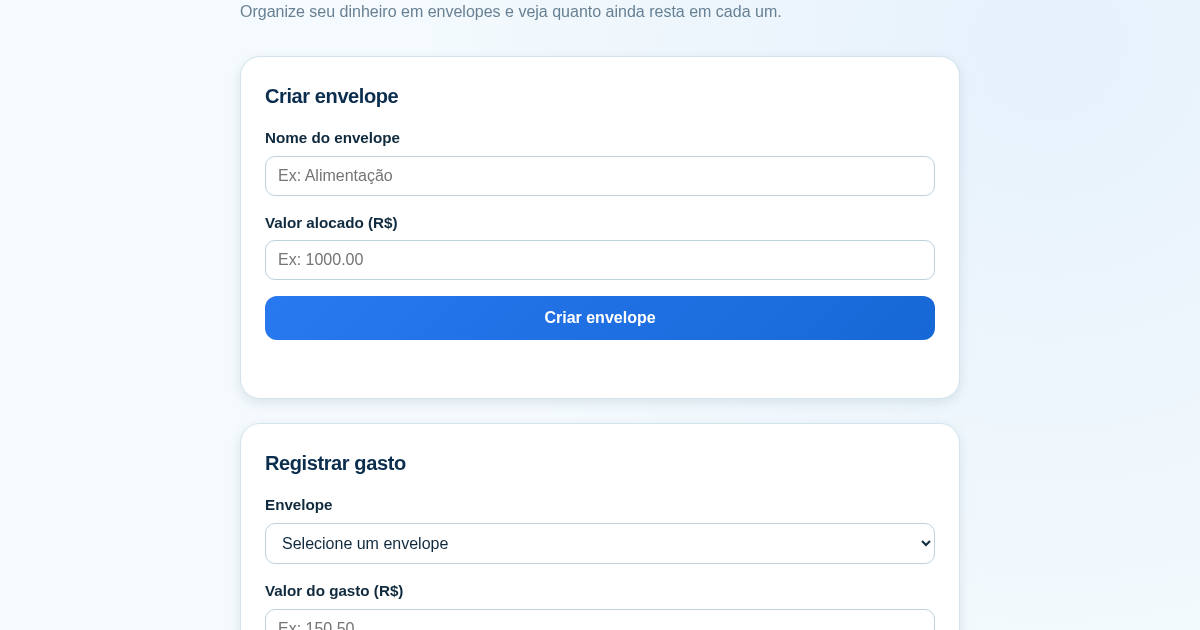
Calculadora de Orçamento por Envelopes (Pix)
Este aplicativo ajuda brasileiros a organizar seu dinheiro em envelopes de orçamento, como alimentação, transporte e lazer, sem precisar conectar uma conta bancária. Ele resolve o problema de controlar gastos do dia a…
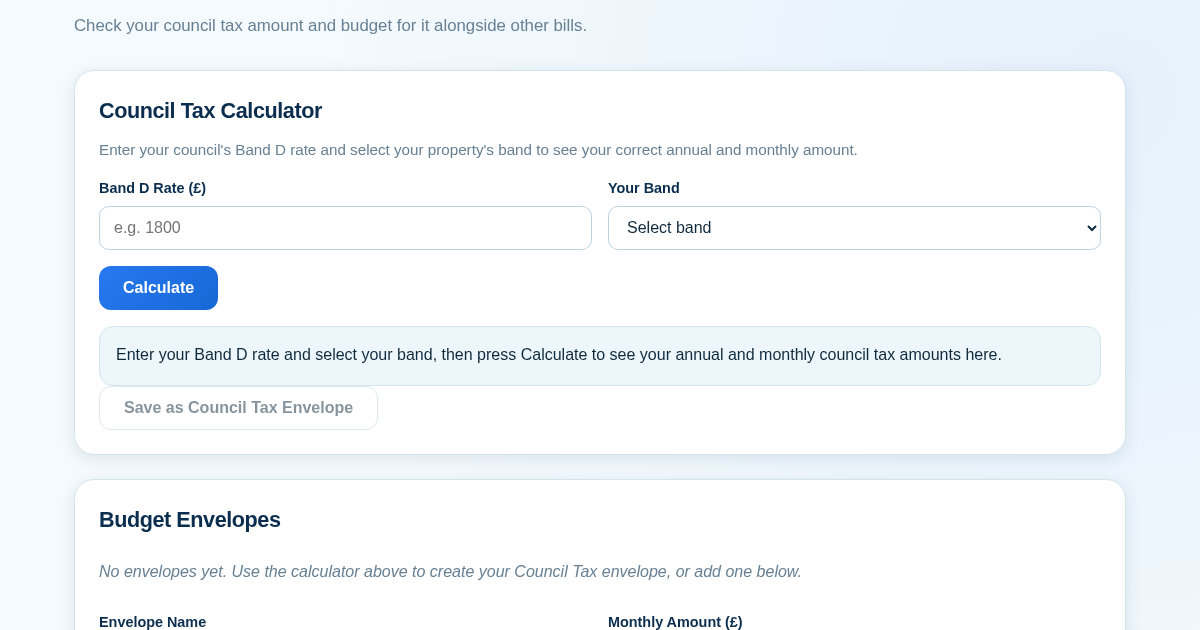
Council Tax Envelope Budget
This app helps UK residents verify they are paying the correct council tax amount for their property band by calculating it from their council's published Band D rate. It then provides a simple envelope-based budgeting…